



My daughter is the most experienced pitcher on her team — she’s become a strong leader out there, and the other girls look to her. The manager gave her the game ball today. I’m the assistant coach — I manage the lineups and defense, and the manager trusts what I’m doing. There are three of us coaching this squad, and as of recently, I’ve also been testing the app I’ve been building in every spare hour I have.
Today was supposed to be a normal game. It wasn’t.
I’ve been bringing BenchBoard to games for a few weeks now — this was the third one.
I’ll be honest: I rushed this thing out the door. I was racing to get it ready before game one, and I barely made it. That first game, I printed the lineups at home beforehand and we still had to cross names out by hand when the roster changed at the field. Game two went smoother — everything worked except one wrong jersey number for a player. Small stuff. But small stuff is what coaches notice.
This third game was the first time the lineup and defense management ran with no hiccups. No crossed-out names. No wrong numbers. Just clean printouts, real-time roster changes, and a workflow that actually held up under game conditions.
But here’s what I’m realizing — the same thing the other coaches on my staff who’ve been using it are realizing: the lineup and defense side works. It needs polish, but it works. The big one — scorekeeping — is actually live. It’s there. You can use it. But I’d call it a beta, and I know it’s not ready for primetime yet.
One of the coach’s wives was already keeping score on paper during the game. I could have asked her to try BenchBoard’s scorekeeping too — but I wasn’t about to give her two things to do in the middle of a live game. That’s how you burn someone out on your product before they’ve even started. What I’m planning instead is to have whoever’s on the bench handle the scorekeeping next time. They’re sitting there, they’re watching the game, and it gives me a real beta tester who isn’t already juggling another task.
And that’s the tension of building in public. You want it to be ready. It’s not. You ship it anyway. And then you learn what “ready” actually means — not from your codebase, but from the helmet shelf in the dugout.
After the game, the manager told me the app is pretty cool. I just shrugged. I’m still at the stage where every compliment gets met with a quiet I hope this damn thing works. Cool is nice. Reliable is what I’m after.
Today was the game where everything clicked into focus. I learned more in two hours at that field than I have in months of development.
Let me tell you what I brought with me.
The Setup
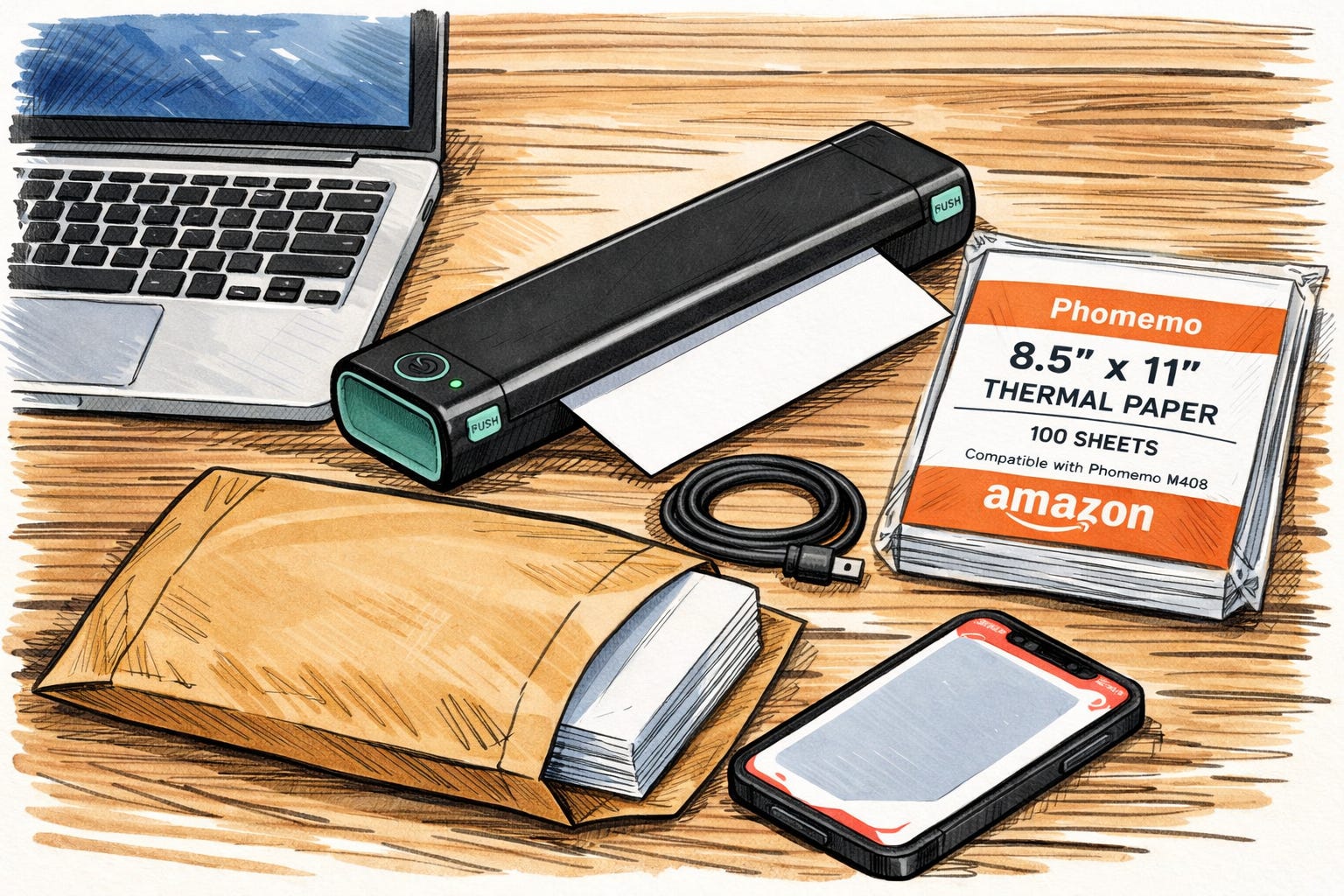
I showed up to the field with four things: my laptop, a Phomemo M408 mobile printer, a USB-C cable, and a manila envelope stuffed with 100 sheets of 8.5x11 Phomemo thermal paper straight from Amazon. I set everything up on top of a helmet shelf in the dugout — a $2,000 MacBook Air balanced next to batting helmets with the printer attached via USB, both of them one elbow bump away from hitting the dirt. Every time we needed to print, I had to pull a sheet out of the envelope and feed it into the printer. It was cumbersome. It was not elegant. But I opened BenchBoard, pulled up our lineup, hit print, and handed a clean, formatted lineup card to the umpire.
The looks I got from the other coaches? Not excitement. Not “oh my God what is that.” Just a glance. A nod. An “ooh, interesting.”
And you know what? That’s exactly right.
Coaches at a game are coaching. They’re not evaluating software products between innings. They’re thinking about who’s batting fifth and whether their pitcher’s arm is going to hold up. I shouldn’t have expected more than a nod. But here’s the thing I noticed: the opposing coaches received our printed lineup, and then I caught them looking up the site on their phones. They were talking about it on the other side. Quietly. To each other.
That nod? That’s the top of the funnel. The conversion happens later, in the car ride home, when that coach is handwriting his next lineup and remembers the crisp printout he got handed today.
What Worked
The interface looked good. On my laptop, BenchBoard looked like a real product. Not a side project. Not a prototype. A thing that belonged at a ball field.
Managing the roster in real time was seamless. We had a couple players who weren’t going to make it — last minute, of course, because that’s how youth sports works. I pulled them off the lineup, adjusted, hit print again. New lineup. Done. No crossing out names with a pen like game one. No scribbling in the margin. No “wait, who’s playing short now?”
Communicating with my coaches was easy. I could show them the screen and say “here’s who’s on the bench, here’s our defense” and everyone was on the same page. No squinting at a clipboard. No “I think she said Amanda’s at second?”
The submit-and-print workflow was satisfying. Hit submit. Defense locked in. Lineup confirmed. Print. Hand it to the ump. There’s something about that flow that just feels right. Like the app is doing the thing it was born to do.
What Didn’t Work
And here’s where it gets honest.
Four things is too many things. A laptop. A printer. A cable. A manila envelope full of thermal paper. I’m already carrying a gear bag, a bucket of balls, batting helmets, and whatever else my team forgot. Adding four items to set up a “simple” lineup system turns BenchBoard into a project, not a tool. Coaches don’t want projects. They want tools. Hell, Adam Sandler would be happy with just 3 things and thankfully wallet and keys don’t have to be part of it.
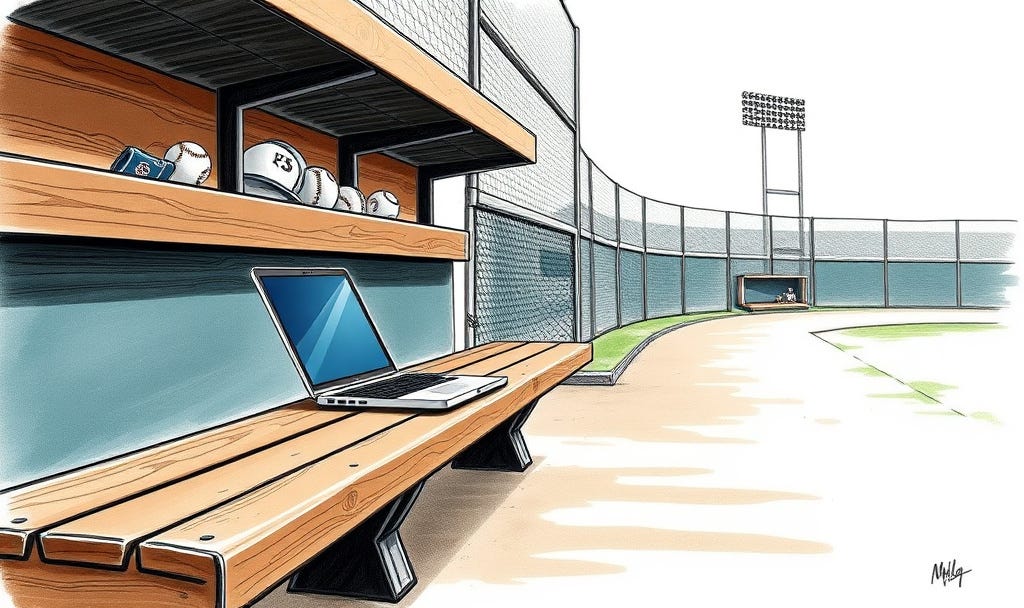
The laptop kept timing out. This was one of the big ones. My laptop is secured with a fingerprint, so every time the screen locked — which it does constantly in the sun — everyone had to wait for me to wake it up just to see the lineup or defense. That’s a momentum killer. In the middle of a game, when a coach asks “who’s up next?” the answer can’t be “hold on, let me unlock my laptop.”
Entering the opponent’s lineup was painful. The opposing coach handed me a paper lineup. Standard stuff. I tried to type it into BenchBoard manually and immediately started fighting the interface. I’d accidentally drag players around. Choosing positions meant hitting dropdown after dropdown. What should’ve taken 60 seconds took way too long and felt clunky the whole time. For a coach who’s never used the app before? That’s a wall.
The laptop felt like overkill. I’m sitting there with this computer open at a kids’ softball game and it just felt... heavy. Like I was doing too much. Meanwhile, one of the coach’s wives grabbed a clipboard and a dry-erase marker and wrote the lineup in big capital letters so everyone could see it from the dugout. She solved the visibility problem in 30 seconds with a $4 marker.
That moment stung a little. But it also taught me something.
What I Actually Need
The dry-erase clipboard wasn’t competing with BenchBoard. It was exposing a gap. BenchBoard is great at building and managing the lineup. But it’s not yet great at displaying it to the people who need to see it in real time — the coaches in the dugout, the parents keeping score, the players checking when they’re up.
A tablet changes everything. Mount it on the fence or the dugout gate. Big screen. Zoomable defense view. Everyone can see it. No laptop. No squinting.
And the printer? What if instead of lugging around a laptop-sized thermal printer with a cable, I just had a small Bluetooth label printer in my gear bag? The ones people use to print shipping labels — 4x6 format, Bluetooth, fits in your hand. I open BenchBoard on my phone. Tap print. The little printer spits out a lineup card. I hand it to the ump. Two things instead of four: my phone and a printer that fits in a side pocket.
That’s the difference between “this coach has a whole setup” and “wait, he just printed that from his phone?”
The first one is impressive but intimidating. The second one makes the opposing coach think I could do that.
The Feature I Wish Existed

When the opposing coach handed me his paper lineup, I had to manually type in every name and select every position. But I’m staring at a piece of paper that already has all the information on it. In order.
What if I could just point my phone camera at that paper lineup and the app reads it? Scans the names, the positions, the batting order — and drops it right into the scorekeeping side. OCR for lineup cards. That’s not science fiction. That’s a phone camera and some text recognition.
I’m not building that tomorrow. But I wrote it down. Because today, at the field, fighting with dropdowns while the ump waited, I felt the friction. And when you feel it yourself, you don’t forget it.
Why I’m Writing This
I’m 51 years old. BenchBoard is my third company. The first two didn’t make it — one got absorbed by a bigger network, the other fell apart when my business partner couldn’t make it work. I’ve got teenage kids who are cheering me on. A wife who believes in what I’m building. And a long road ahead.
I read a story recently about James Dyson — the vacuum guy. He spent 14 years building prototypes in a shed behind his house. Built 5,127 of them. His wife Deirdre was an art teacher who supported the family on her salary while he remortgaged their home over and over. His kids grew up watching him go to that shed every day. He finally shipped his first product at age 46.
Today, his son is VP of Engineering at the company. His wife is creative director. The family that held him up during the hard years is now running the thing that came out of them.
I’m not James Dyson. I’m a coach with a laptop balanced on a helmet shelf, hoping it doesn’t fall, at my daughter’s softball game. But I know what it feels like to carry something you believe in while the world gives you a polite nod and goes back to what they were doing.
The opposing coach looked up my site today. He didn’t sign up. He didn’t say “wow.” He just nodded. And that’s enough. Because adoption doesn’t start with a standing ovation. It starts with a nod. Then a glance at the phone. Then, weeks later, when that coach is handwriting a lineup at 6 AM before a tournament and he remembers the printed lineup that got handed to him — that’s when the seed grows.
I’m building BenchBoard for coaches like me. Coaches who are also parents. Coaches who are tired of the clipboard-and-Sharpie workflow but don’t want to fight with bloated apps that weren’t built by someone who’s actually stood in the dugout.
Every game I coach is a product test. Every printed lineup I hand to an opponent is a business card. Every problem I hit at the field is a feature I’ll build next week.
Today I learned that four things is too many. Two is the right number. And a dry-erase marker is still the fastest display technology ever invented — until I get a tablet on the fence.
More soon.
Rad is the founder of IronBench Labs and the creator of BenchBoard — a real-time scorekeeping and team management app for baseball and softball. He’s an assistant coach on his daughter’s team in California and field-tests every feature himself. Follow along as he builds in public.